
How Long Do Drone Batteries Last Before Needing Replacement?
How Long Do Drone Batteries Last Before Needing Replacement? The answer depends on charge cycles, age, heat, storage, and physical condition. Most drone batteries need replacement after noticeable capacity loss or safety damage, not on one universal date.
A battery that suddenly swells, overheats, or loses power needs immediate retirement.
As of 2026, manufacturer specifications commonly list battery life by charge cycles rather than calendar years. A typical four-cell LiPo battery has a nominal voltage of 14.8 volts. Lithium batteries carried by air must also meet UN 38.3 transport testing requirements.
Start by understanding what wears a battery out.
How Long Do Drone Batteries Last Before Needing Replacement?
How Long Do Drone Batteries Last Before Needing Replacement?
Most drone batteries last about 200 to 500 charge cycles.
Frequent heat, deep discharges, and poor storage shorten that range.
Replace the battery when capacity drops sharply or damage appears.
A swollen, cracked, leaking, or overheating battery must not fly.
What Determines a Drone Battery’s Lifespan
A drone battery’s useful life depends on both cycle count and calendar age. One charge cycle means using an amount of energy equal to the battery’s full capacity. Two flights using 50 percent each may add roughly one full cycle.
Lithium-polymer (LiPo) batteries gradually lose capacity during charging and discharging. Internal resistance rises with age. That causes more voltage sag under load, especially during takeoff, strong winds, or rapid acceleration.
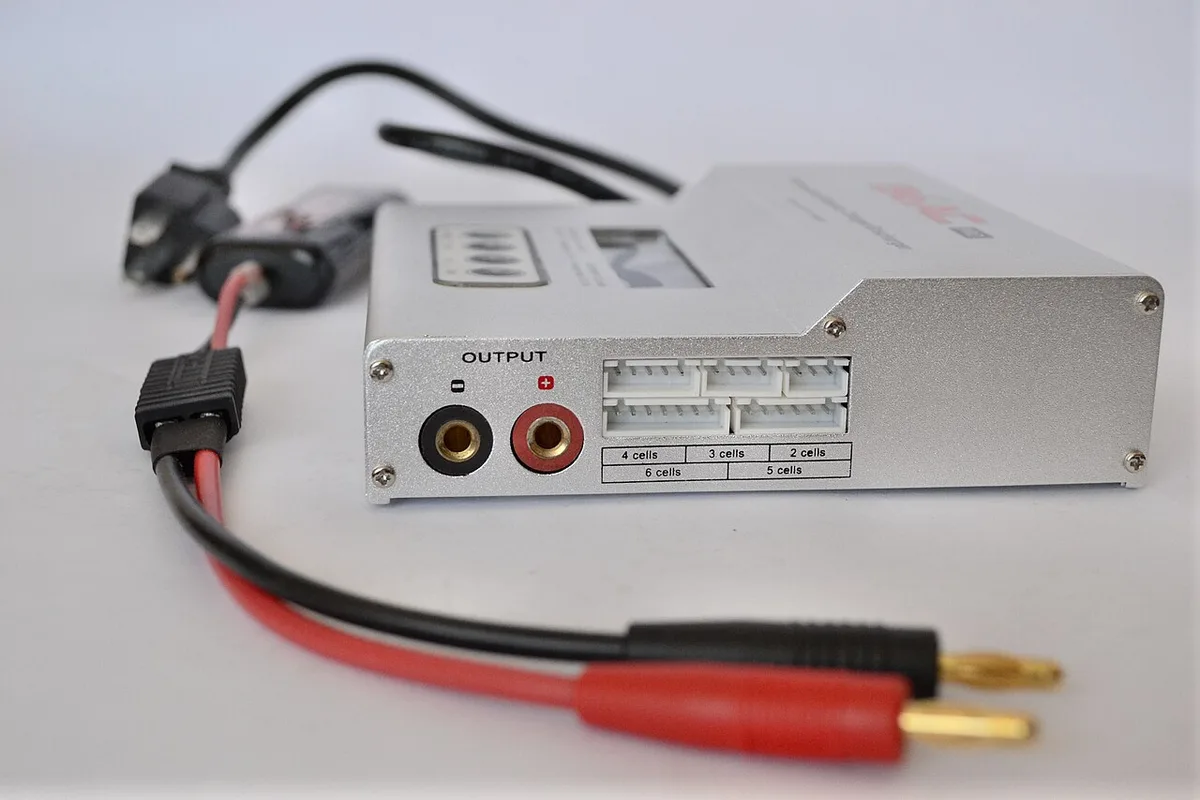
Image source: Wikimedia Commons / KundaliniZero (CC BY-SA)
Charge cycles and calendar age
Charge-cycle ratings vary by battery design and manufacturer. Some intelligent drone batteries may provide a cycle count in the flight app. That number helps, but it isn't a standalone replacement rule.
Use this practical approach:
- Under 100 cycles: check condition and performance normally.
- Around 200 to 300 cycles: watch flight-time loss more closely.
- Beyond the manufacturer’s stated cycle rating: plan for replacement.
- At any cycle count: retire a battery with swelling or unstable voltage.
Calendar age matters too. A battery can degrade while sitting unused, especially if stored fully charged in a hot place. A two-year-old battery with careful storage may outperform a newer pack that spent months at full charge inside a hot car.
Heat, cold, storage, and flight conditions
Heat is one of the fastest ways to shorten lithium battery life. High temperatures speed up chemical aging and can increase internal resistance. Cold batteries may show a sudden voltage drop, even when the charge indicator looks healthy.
Heavy flight conditions also increase stress. Strong wind, high altitude, aggressive FPV flying, and repeated full-throttle climbs draw more current than gentle hovering. That doesn't automatically damage a battery, but it can expose a weak pack sooner.
Storage habits have a major effect:
- Store the battery at the manufacturer’s recommended storage charge.
- Keep it in a cool, dry place away from direct sunlight.
- Let a hot battery cool before charging.
- Avoid leaving it completely empty for long periods.
- Check stored batteries every few weeks.
A Battery Management System, or BMS, monitors temperature, voltage, and charging behavior in many smart batteries. Follow the instructions for your exact drone because storage mode, balancing, and calibration procedures vary by model. The Federal Aviation Administration also provides current guidance for safe drone operations in the United States.
How to Check Whether Your Drone Battery Is Still Healthy
Check the battery in three stages: physical condition, electronic readings, and real-world flight performance. A battery should pass all three checks before you continue using it.
Physical inspection
Remove the battery from the drone and inspect it under good lighting. Look for a raised case, separated seams, cracks, dents, leaking material, burnt marks, or corroded contacts.
A swollen LiPo battery is not normal wear. It indicates internal damage or gas buildup. Don't squeeze it back into shape, puncture the casing, open the pack, or place it in the charger.
Also inspect the connector and battery terminals. Loose pins, melted plastic, dirt, or corrosion can create resistance and heat. If the battery took a hard impact in a crash, treat hidden internal damage as possible even when the casing looks normal.
Electronic and performance checks
Use the manufacturer’s app or controller to review available battery data. Useful readings include:
| Check | What it tells you |
|---|---|
| Cycle count | How many equivalent full charges the pack has completed |
| State of health | Estimated remaining capacity |
| Cell voltage balance | Whether individual cells are behaving consistently |
| Battery temperature | Whether the pack is operating within its safe range |
A healthy battery should show reasonably balanced cells. A large difference between cell voltages, repeated warnings, or a sudden percentage drop deserves attention.
Compare current flight time with the battery’s normal result. Advertised maximum flight time is measured under controlled conditions. Real flight time is shorter because of wind, payload, temperature, speed, and return-to-home reserves.
If performance has changed
If flight time has fallen slightly but readings remain stable, label the battery and monitor it. If it loses a large portion of its usual flight time, lands with an unexpected voltage warning, or becomes unusually hot, stop relying on it for demanding flights.
Don't test a questionable battery by flying farther or lower than usual. A controlled short flight near your landing area still carries risk. For commercial work, remove suspect batteries from service until the manufacturer or an authorized technician provides guidance.
Drone Battery Replacement Decision Tree
Use this decision tree before every flight when a battery has reduced performance or a high cycle count.
Step 1: Is there visible damage?
If yes, don't charge or fly the battery. This includes swelling, cracks, punctures, leaks, burn marks, crushed corners, and badly damaged connectors.
Place it away from flammable materials and follow the manufacturer’s disposal instructions. Contact a battery recycling or hazardous-waste service. Never put a damaged lithium battery in household trash.
If no, continue to the next check.
Step 2: Does the drone or app show a warning?
If the battery reports a cell error, temperature fault, severe imbalance, or authentication problem, stop using it for flight. Update the drone and battery firmware only when the manufacturer recommends that step. Don't attempt repeated charging cycles to clear a serious warning.
If no warning appears, check performance.
Step 3: Has flight time dropped noticeably?
If flight time is close to normal, keep using the battery with routine monitoring. Record the date, cycle count, and approximate flight minutes.
If flight time is moderately shorter, use the battery only for low-risk, short flights while monitoring temperature and voltage. Mark it as aging so nobody mistakes it for a fully reliable pack.
If flight time has dropped sharply, replace it. A battery that reaches its low-voltage warning much earlier than usual may not provide enough reserve for a safe return.
Step 4: Does it heat up or sag under load?
If the battery becomes unusually hot or voltage falls rapidly during acceleration, retire it even if its case looks normal. Internal resistance can rise before visible swelling appears.
If temperature and voltage remain stable, follow the manufacturer’s cycle and storage guidance. Recheck the battery before demanding flights, such as strong-wind operations, mapping missions, or heavy-payload work.
What to Do When a Battery Needs Replacement
Choose a replacement that matches the drone’s exact model, voltage, connector, dimensions, firmware requirements, and battery-management system. The safest option is usually the manufacturer-approved battery because the drone and charger are designed to communicate with it.
An aftermarket pack may fit physically but still cause warnings, inaccurate charge readings, poor balance, or unsafe charging behavior. Don't choose a battery solely because it has a higher milliamp-hour rating. Extra capacity can add weight and change the drone’s handling or motor load.
Before ordering, verify:
- Exact drone model and battery part number
- Nominal voltage and cell configuration
- Physical size and locking mechanism
- Connector type and polarity
- Charger and charging-hub compatibility
- Manufacturer warranty and return policy
- Transport and recycling requirements in your location
Retire the old battery safely. Keep damaged packs isolated from metal objects and flammable materials. Don't store a swollen battery indoors beside spare batteries, and don't carry it on an aircraft unless the airline and battery-safety rules clearly permit it.
The U.S. Environmental Protection Agency recommends using proper battery recycling or household hazardous-waste channels. Before disposal, contact the drone manufacturer, local recycling center, or fire department for instructions specific to damaged lithium batteries.
How to Extend Drone Battery Life and Avoid Common Mistakes
Good charging habits can add many useful cycles. Use the manufacturer-approved charger or charging hub, and place the battery on a nonflammable surface while charging. Let the pack cool after flying before connecting it to power.
Store the battery at the charge level recommended for your model. Many intelligent batteries automatically enter storage mode after a period of inactivity, but don't assume every battery does this. Check the app or manual, especially before leaving batteries unused for several weeks.
Avoid these common mistakes:
- Charging a hot battery immediately after landing
- Leaving a battery fully charged for days
- Storing a battery completely empty
- Flying until the drone forces an emergency landing
- Using an incompatible charger or damaged cable
- Charging near paper, fabric, fuel, or other flammable items
- Keeping batteries in a hot vehicle
- Ignoring repeated cell or temperature warnings
Cold-weather flights need extra care. Keep batteries warm before takeoff, then hover gently for the first minute. If the battery temperature rises too quickly or the voltage drops sharply, land and inspect it.
For regular operators, create a simple battery log. Record the battery number, cycle count, flight minutes, warnings, and storage condition. If one pack starts losing capacity faster than the others, remove it from demanding work before the problem becomes an in-flight failure.
Frequently Asked Questions
How many charge cycles does a drone battery last?
Most drone batteries last around 200 to 500 equivalent full charge cycles. The exact figure depends on battery chemistry, temperature, discharge depth, storage habits, and flight intensity. Use the manufacturer’s cycle rating as a planning guide, not as permission to fly a visibly damaged battery.
Can a swollen drone battery be used or repaired?
No. A swollen drone battery should not be charged, flown, opened, or repaired at home. Move it away from flammable materials without squeezing the case, then contact the manufacturer or a local hazardous-waste service for disposal instructions.
Should you replace a battery based on age or cycle count?
Use both factors, along with physical condition and flight performance. A battery can age while stored, especially when kept fully charged in heat. Replace it when capacity drops sharply, warnings appear, or the pack shows swelling, cracks, overheating, or unstable voltage.
How much flight-time loss means replacement is necessary?
There’s no universal percentage for every drone, but a sharp drop from the battery’s normal flight time is a strong warning. If the pack reaches low-voltage alerts much earlier, becomes hot, or cannot maintain stable voltage under load, retire it rather than stretching its remaining capacity.
Can you extend the life of an older drone battery?
You can slow further wear by avoiding heat, deep discharges, full-charge storage, and high-current flights. Don't try to restore a swollen or unstable pack through repeated charging. Maintenance can reduce normal aging, but it cannot reverse internal battery damage.